Transferring Accounts
A transfer brings an account from another server while that server is still running: CorePanel connects to the source, pulls the account and recreates it here, with live progress in the Transfers tab. Nothing has to be downloaded or copied by hand, and the source is not suspended — what happens to it afterwards is your decision.
Moving an archive is the other way to bring an account over: the source makes a backup, the file reaches this server, and it is restored or imported here. It works with any source that can produce an archive, and does not need this server to reach the old one.
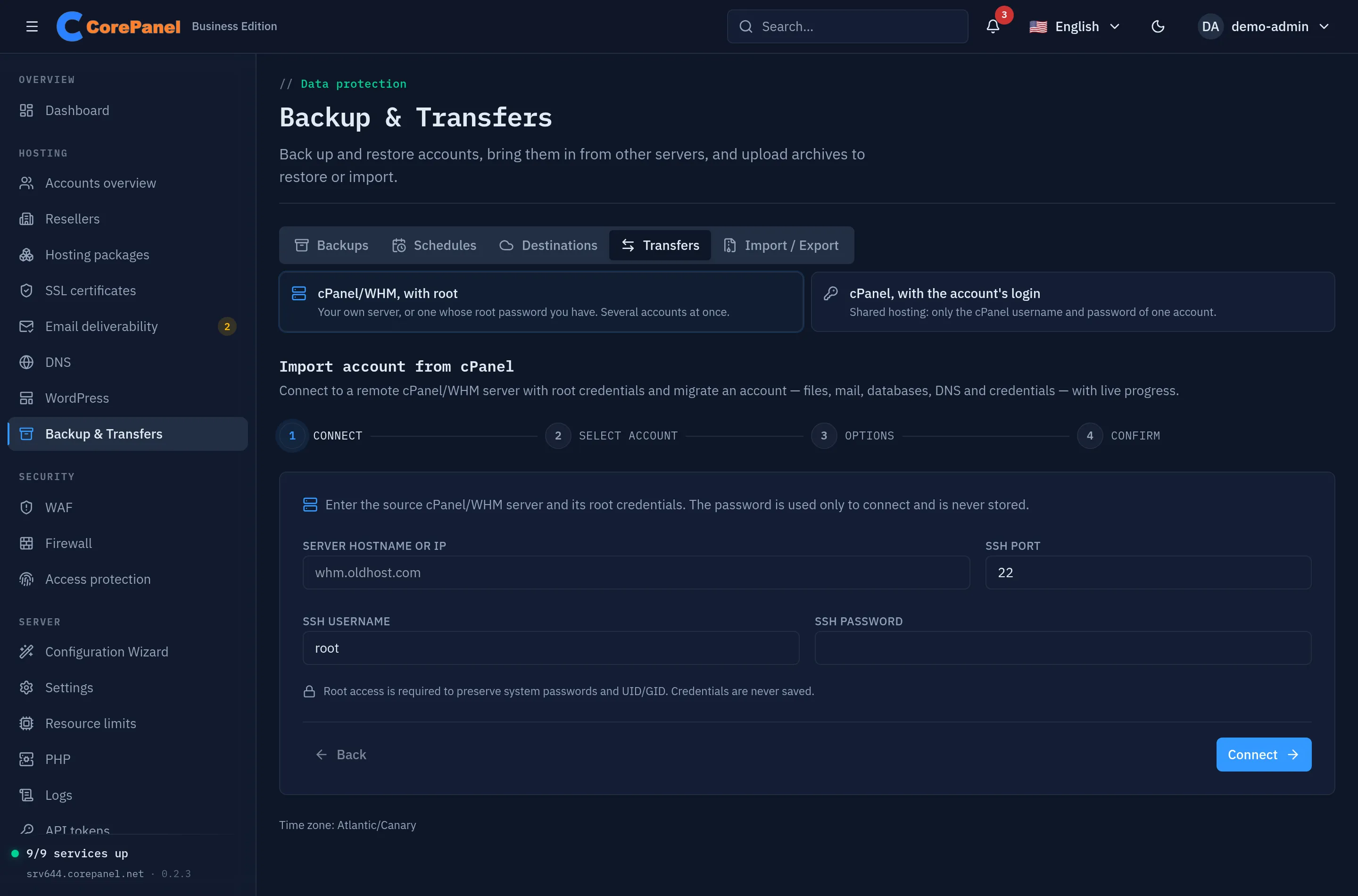
Which way, from which server
Section titled “Which way, from which server”| Source | What you have | How | Covered in |
|---|---|---|---|
| cPanel/WHM | Root on the source server | Live, over SSH. One account or many at once, with an optional DNS cut-over at the end | Live pull over SSH |
| cPanel, shared hosting | Only one account’s cPanel username and password | Live, over cPanel’s own HTTPS port. One account at a time; a reseller can run it for their own customers | With the account’s own login |
| cPanel | A cpmove-*.tar.gz or a cPanel full backup | Upload it, then import it | Uploading an archive |
| Another CorePanel server | Admin on both servers | A backup of the account, restored here — through a shared destination or an uploaded file | Moving to another server |
The three cPanel routes feed the same import engine, so what arrives and which passwords survive are the same whichever you use. Importing cPanel accounts covers that engine in full: its scope, how passwords are preserved, the report, and what to check after the import.
Before you start
Section titled “Before you start”- Review before it writes. Every route ends in a review of what it is about to create, and lets you choose what happens when an account or domain already exists on this server. Read it: a domain that is already here is the usual collision.
- Room on this server. The account needs its full size here, on top of the free space the hosted sites already rely on.
- DNS decides when the move is over. Until the domains point here, the source keeps receiving mail and visitors. Only the live pull from cPanel/WHM can repoint them for you; in every other case it is a change you make at the source or the registrar.
- The reverse road exists. An account can leave CorePanel too: Exporting for cPanel.