Taking Backups
A backup is taken in one of three ways: by hand, when you are about to change something; on a schedule, which is what actually protects a server; and — on Business, if you allow it — by the account’s owner, from their own panel. All three produce the same kind of archive and land in the same job list. This page covers each, and then how archives are removed.
Taking a backup by hand
Section titled “Taking a backup by hand”Backup & Transfers → Backups → Create backup. Pick the account, choose whether the archive is also copied to a destination (Copy to), and Start backup.
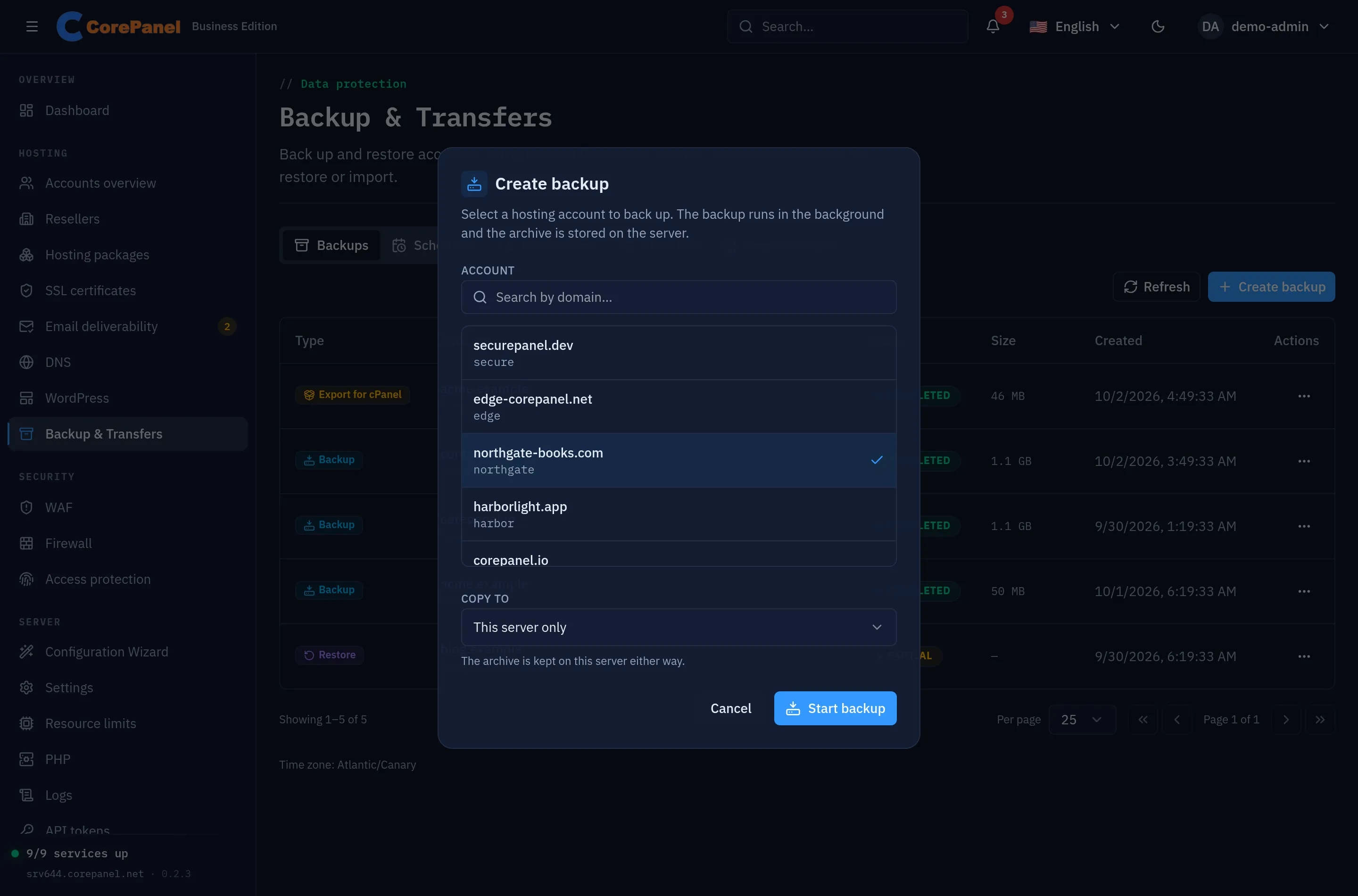
The job starts in the background and appears at the top of the list as running. When it finishes, View report in its menu shows a per-resource report of what was captured and what was not.
From the CLI:
corepanel account backup <username> [--dest <destination>] [--wait]Scheduled backups
Section titled “Scheduled backups”A backup you have to remember to take is a backup that is missing on the day you need it. The Schedules tab defines recurring ones; New backup schedule opens the form.
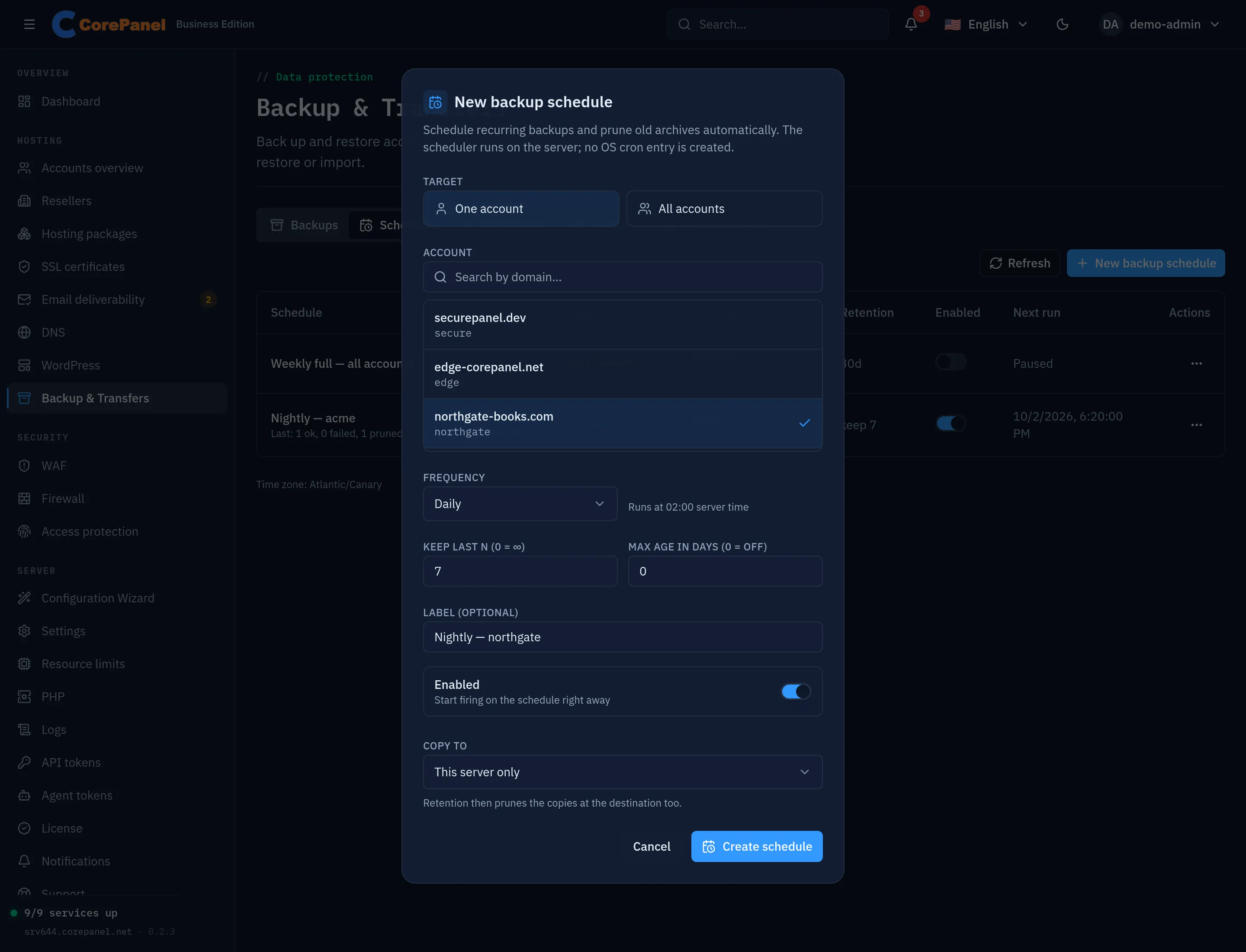
| Field | Notes |
|---|---|
| Target | One account, or All accounts on the server |
| Frequency | Daily (02:00), Weekly (Sundays 02:00), Monthly (1st, 02:00), or a custom five-field cron expression. Times are the server’s |
| Keep last N | Maximum number of archives to keep. 0 = no limit |
| Max age in days | Delete archives older than N days. 0 = no limit |
| Label | How the schedule appears in the list |
| Enabled | A disabled schedule stays defined but does not fire |
| Copy to | A destination to push each archive to. Retention then prunes the remote copies too |
The scheduler runs inside CorePanel; no entry is added to the system’s crontab. A
server-wide schedule runs a bounded number of accounts at a time rather than starting one
job per account at once — a full backup is a heavy mysqldump plus a large tarball, and
firing hundreds in parallel would take the server down.
Run now in a schedule’s menu executes it immediately, which is the right way to verify one before trusting it. The list shows each schedule’s last run — how many archives succeeded, failed and were pruned — and when it fires next.
corepanel account backup-schedule create --user <username> --frequency daily --keep 7Backups your customers take
Section titled “Backups your customers take”On Business, a hosting account can take a backup of itself from the client panel. It is off until you turn it on, in Server → Settings → Client panel, because the archive lands on the panel’s disk rather than inside the account’s quota.
The same switch lets them restore files, databases and mailboxes from those backups and yours — see partial restores your customers run.
Those jobs appear in your list like any other, marked as the customer’s own. They follow rules of their own, and the reason for each is the same one — the disk they fill is yours, not theirs:
| Yours (manual) | Yours (scheduled) | The customer’s | |
|---|---|---|---|
| Kept until | You delete it | Your retention policy | The customer’s next backup but two |
| How often | Whenever you like | Your schedule | Once an hour at most, one at a time |
| Remote destination | Yes | Yes | No — always local |
The rotation is the part worth knowing before you switch it on: a customer’s two most recent archives survive, and a third pushes the oldest out. It bounds what your disk can be asked to hold to roughly twice the size of the accounts whose owners use the button — and it never touches an archive of yours, whichever way you took it.
Downloading is not governed by that switch. A customer can always download any finished backup of their own account, including the ones your schedule produced: the archive is a copy of their own data. That includes the private key of any certificate uploaded for one of their own hosts — with one exception: the panel’s own hostname. When it is a domain or subdomain of a customer’s account, its certificate is never put in that account’s archives, because it is the server’s identity, not the customer’s.
Deleting a backup
Section titled “Deleting a backup”Retention removes what a schedule produced; everything else stays until somebody removes it. Delete in a backup’s menu removes the archive from this server and, when it was copied to a destination, from there too — along with its row in the list. It works for any archive this server made: a backup taken by hand, on a schedule or by the customer, a database snapshot saved before a restore, and an export for cPanel. There is no undo.
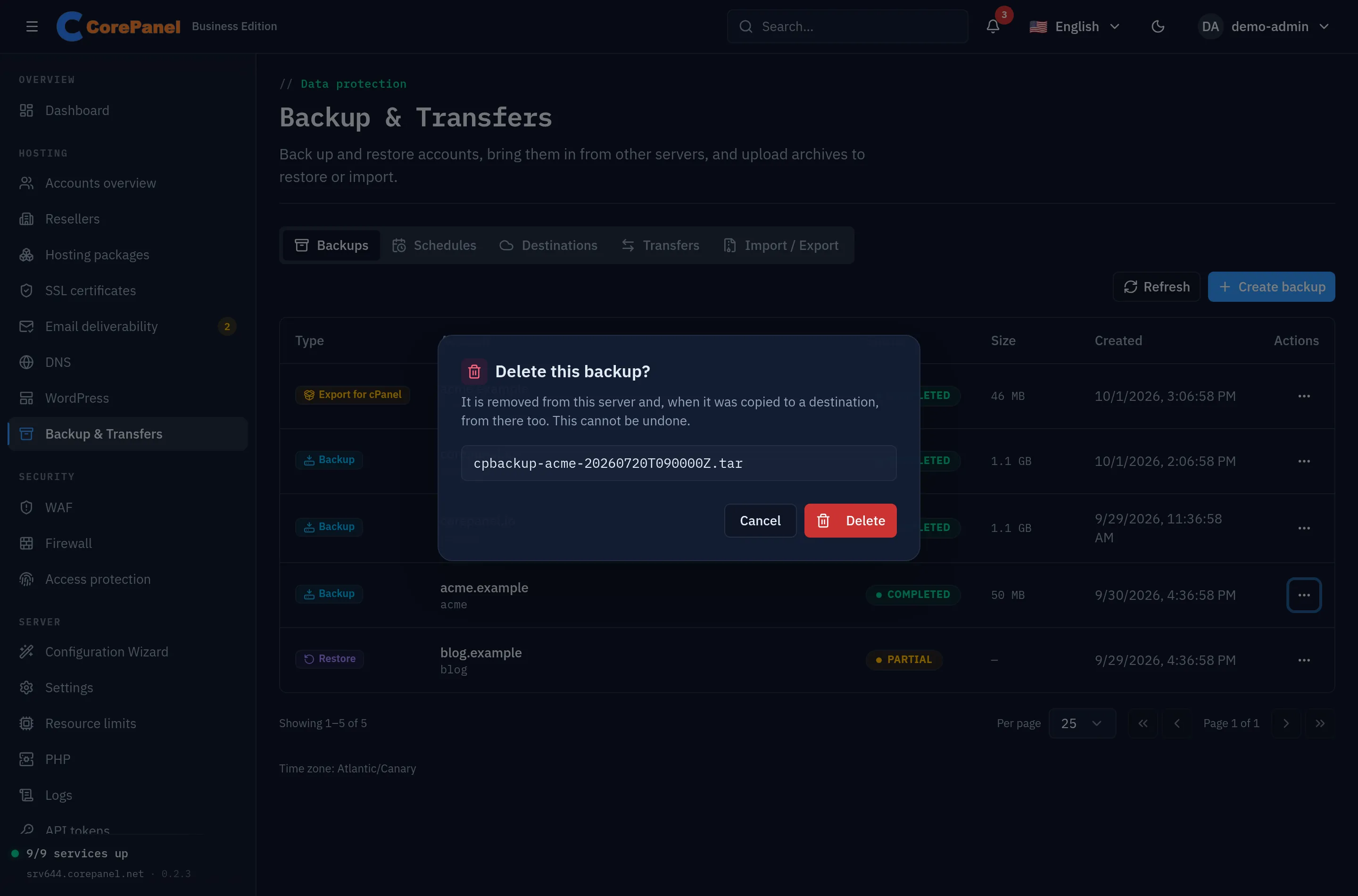
It is refused while the backup is still running and while a restore or an import is reading the archive, here or at its destination. If the copy at the destination cannot be removed — the bucket is unreachable, the credentials have changed — nothing is deleted and the panel says why: a copy the panel no longer knows about would stay there, billed, for good. The exception is a destination you have since removed from the panel: nothing can reach that copy any more, so the backup is deleted here and the copy is left to you.
corepanel account backup-delete <jobId>Only the server’s administrator deletes archives; the client panel has no such action.